01
Modeling
Dimension-driven models on exact B-rep solids. Fully defined sketches, ordered features, all human-editable.
Parametric CAD · Browser and desktop
Describe the change you want. A team of agents works across your workspace — sketching, features, measurement, simulation, CAM — and leaves behind a human-editable feature history: fully defined sketches, named relations, and the critical dimensions you specified.

AI in the engineering loop
Brief the copilot like you'd brief a group of engineers. The agents split the job — one sketches, one builds features, one measures and checks — using the same tools you use by hand, in the document you have open. Everything they build lands in your feature tree, fully defined and yours to edit.
Sign in with your AI provider account, or paste an API key. Your provider, your billing.
Name the part, the change, the critical dimensions, and what must not move.
Open the feature tree. Every sketch is fully defined, every relation is named, every critical dimension is the one you asked for. Save a revision, or send it back.
Dimension-driven models
Every model is dimension-driven: fully defined sketches, named relations, and driving dimensions feed an ordered feature tree. Change one value and the extrudes, fillets, holes, and pockets downstream rebuild in order — nothing gets baked into dead geometry.
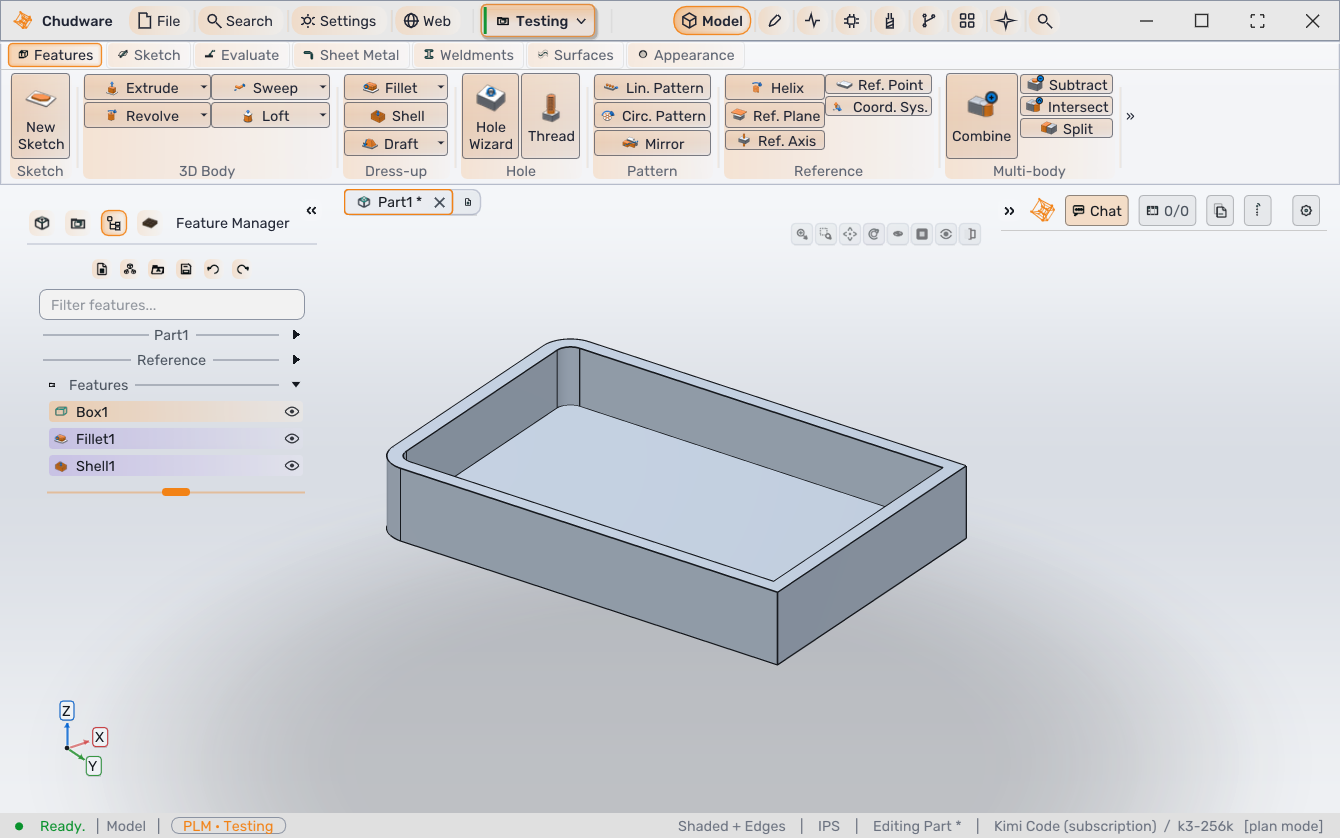
Feature sequence · illustration
Manufacturing
Build the CAM job from the part you just modeled. Define stock, tools, and operations, watch the stock get cut away, and post G-code for one specific machine.
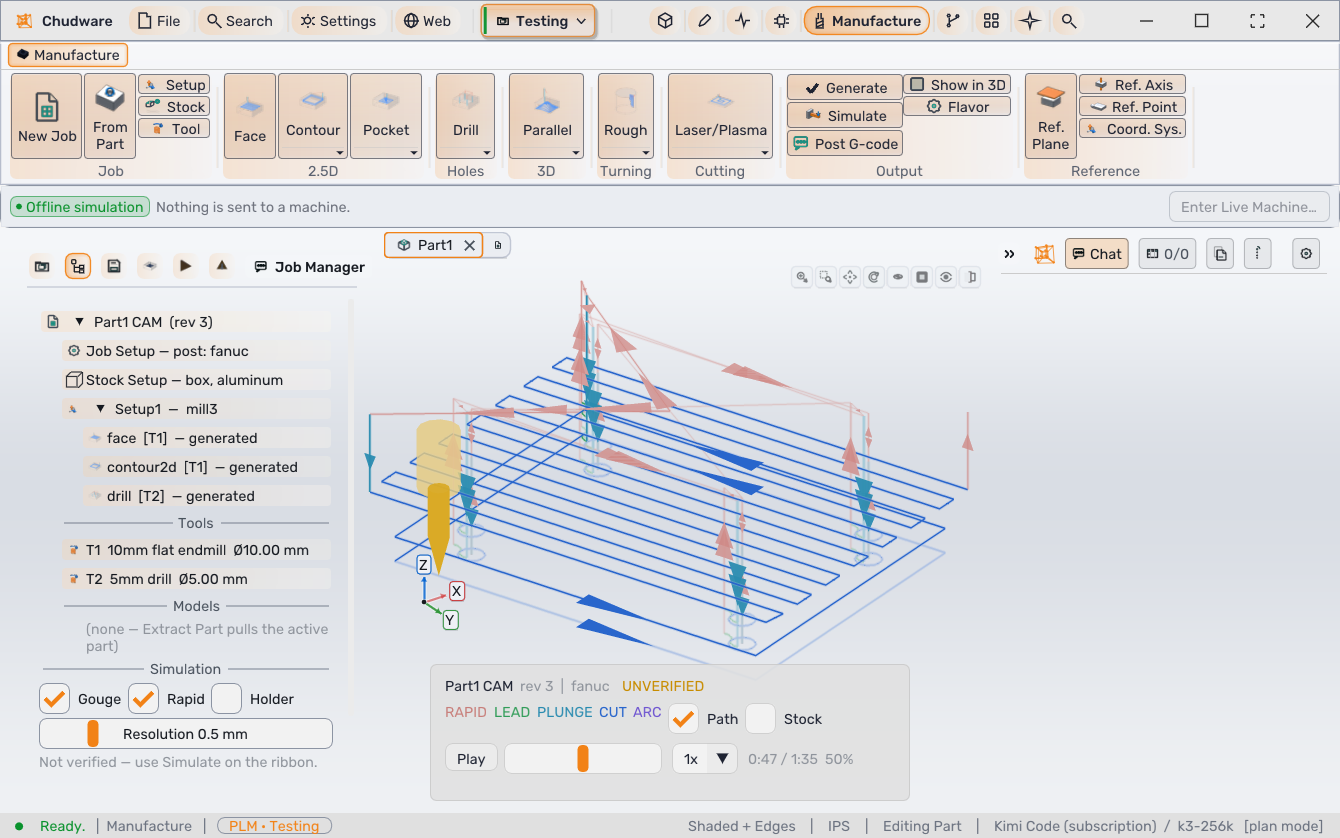
Stock removal · illustration
One engineering environment
Every workspace works on the same document and the same revision history. Nothing is exported into a side file that drifts.
01
Dimension-driven models on exact B-rep solids. Fully defined sketches, ordered features, all human-editable.
02
Locate components with mates, then inspect motion, clearance, and interference.
03
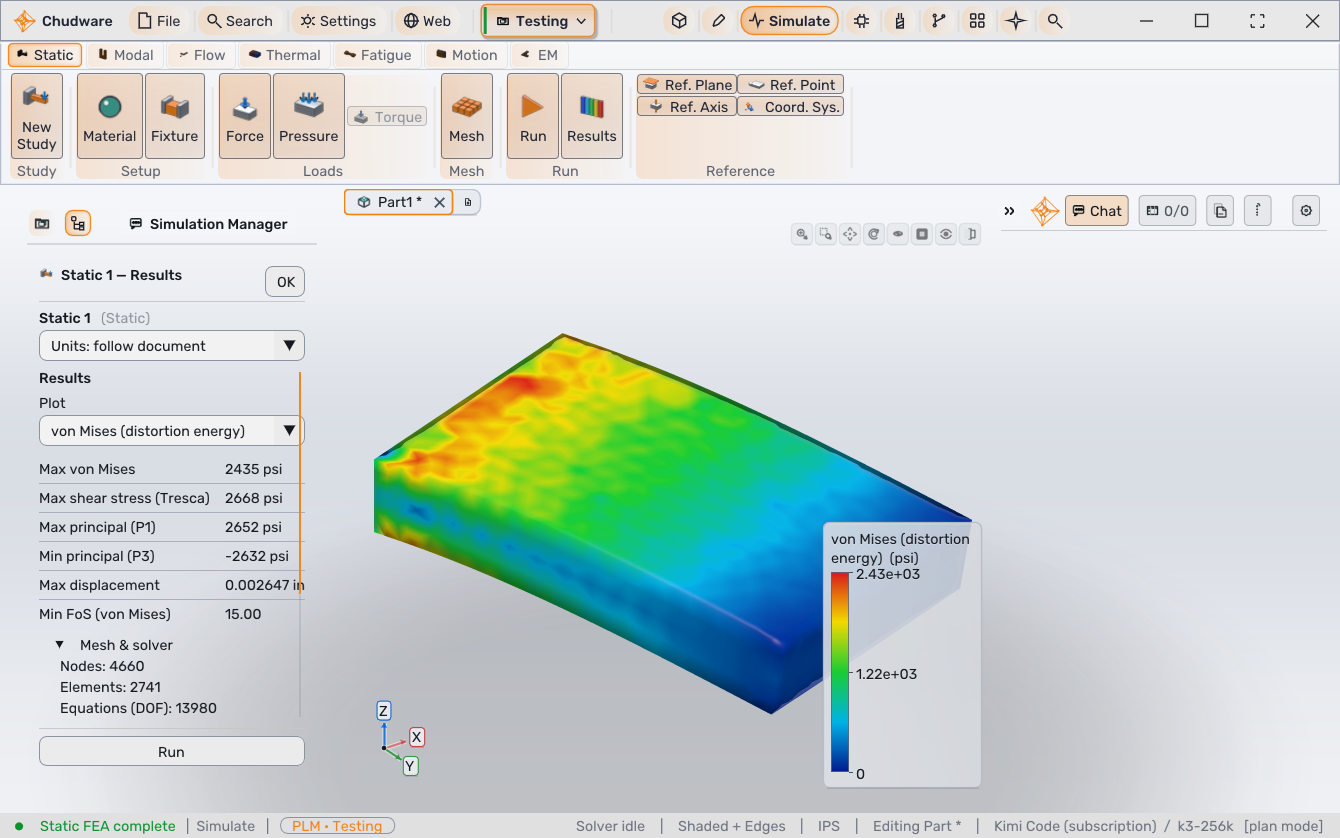
Static, contact, modal, thermal, buckling, and fatigue studies on the live design — with mesh and equilibrium evidence in the result.
04
Stock, tools, operations, stock-removal simulation, and posted G-code.
05
ECAD and firmware live in the same project as the mechanical design.
06
Revisions with notes, project files, manufacturing output, and the decision trail in one place.
07
A team of agents reads your model, builds real features across the workspace, and hands you a human-editable feature tree.
Product gallery
Get started
The 14-day trial covers the browser workspace and the desktop app. No card required.